

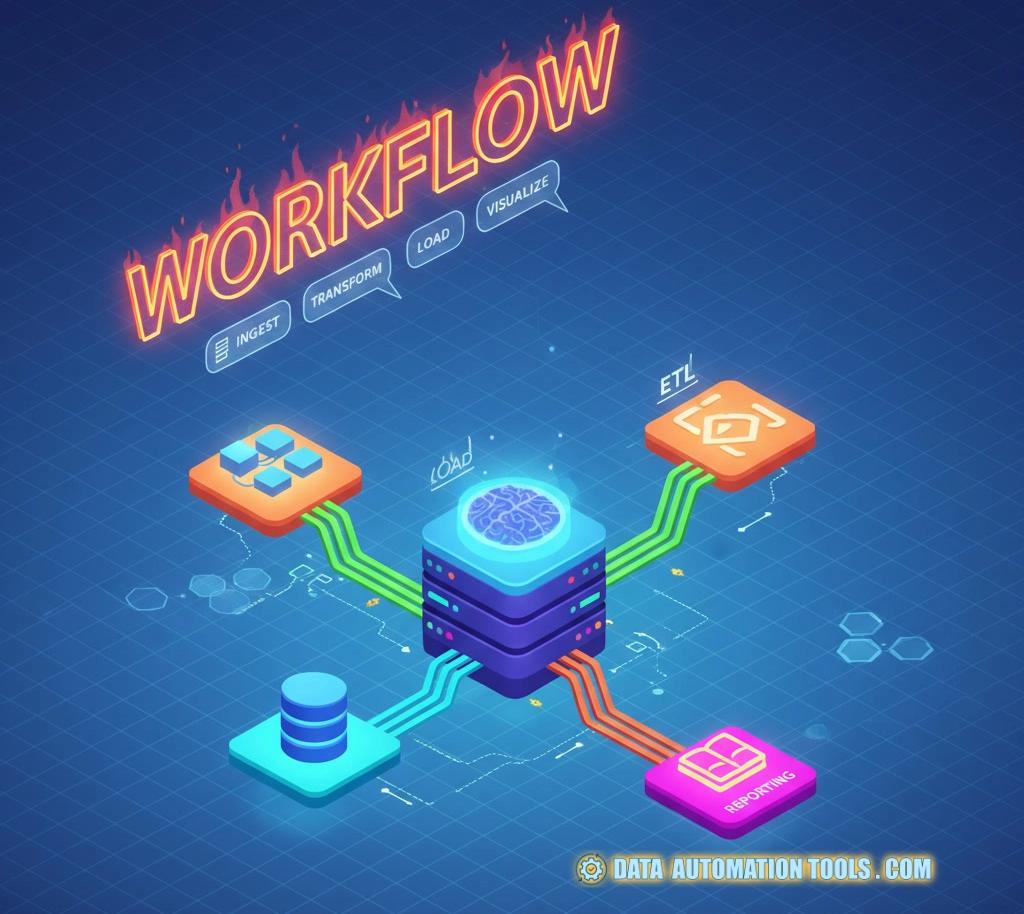
Workflow orchestration. The phrase alone sounds like something a consultant invented to justify a six-figure retainer and a Miro subscription. But beneath the jargon, it’s just what every overworked developer eventually needs: a system that stops your data pipelines, jobs, and services from tripping over each other like drunken interns at deployment time.
Think of it as the conductor of your software symphony. Without it, every script, cron job, and microservice is out there blasting its own tune—usually in production, usually loud, and always at 3 a.m. Workflow orchestration steps in to keep the chaos (mostly) musical.
What Does It Even Mean?
At its core, workflow orchestration is the automation of automations. It’s the meta-layer that manages tasks, dependencies, retries, triggers, schedules, and sometimes your sanity.
You’ve got dozens—or hundreds—of jobs that move data, run analytics, deploy models, clean logs, and update dashboards. Each has dependencies: job B can’t run until job A finishes, job C only triggers when data exists, and job D must never overlap or it’ll corrupt your warehouse like an evil twin.
That’s orchestration: making sure every moving piece happens in the right order, at the right time, with visibility when things go wrong. It’s the difference between “Who kicked off this script?” and “Here’s the DAG run, the logs, and the SLA. Relax.”
Why You Can’t Live Without Workflow Orchestration
(even moreso now that you know what it means)
Without orchestration, you get:
- Cron jobs that randomly collide.
- Bash scripts in production with comments like “DON’T TOUCH THIS, IT WORKS.”
- Failed jobs nobody notices until Finance calls about missing data.
- Slack messages that begin with “is the pipeline running???”
Workflow orchestration gives you reliability, observability, and reproducibility. Three fancy words that translate to sleep, metrics, and fewer postmortems.
You’ll also get versioned pipelines, easy backfills, and retries that don’t involve re-running an entire week’s worth of ETL by hand. Suddenly, teams can ship data workflows like software instead of guessing in the dark.
Anatomy of a Workflow Orchestrator
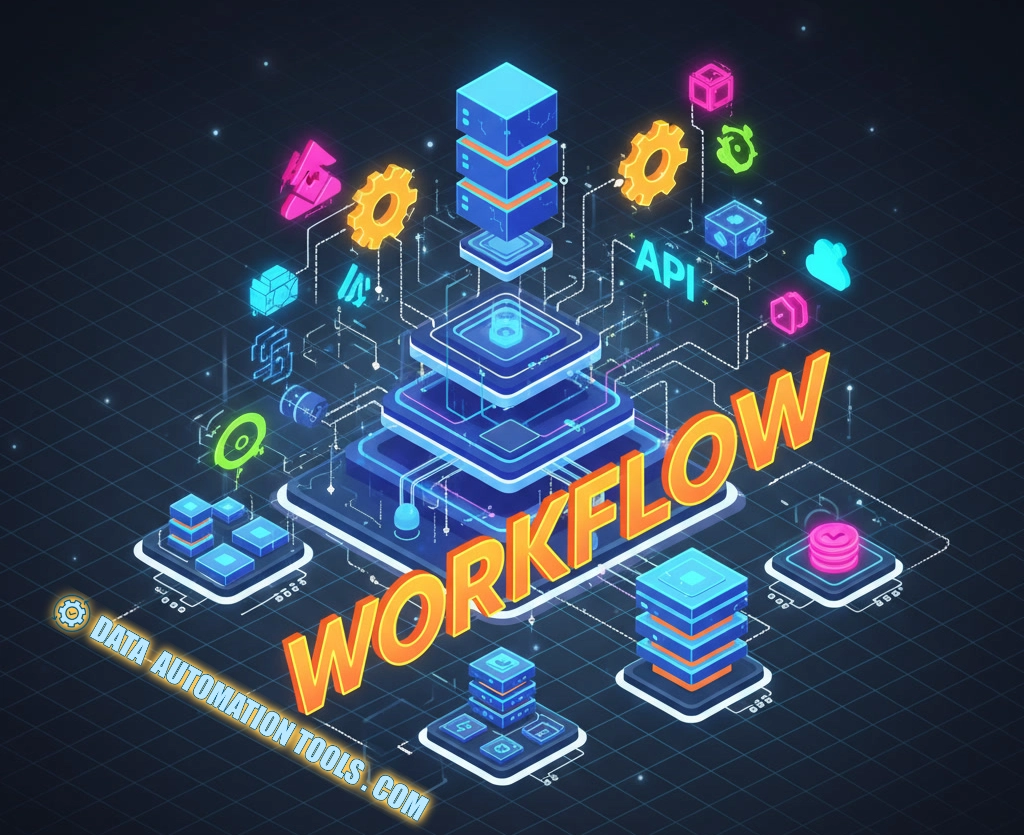
Every orchestration tool—Airflow, Prefect, Dagster, Flyte, pick your poison—basically has the same anatomy:
- Scheduler: Decides when to run things. Think of it as cron with a degree in dependency theory.
- Executor: Actually runs the tasks, whether locally, in Kubernetes, or on a cluster of compute nodes that definitely costs more than finance knows.
- DAG (Directed Acyclic Graph): A fancy way of saying “the order in which your stuff runs.” It’s how the system knows that
load_sales_datamust complete beforeupdate_revenue_dashboard. - UI/Monitoring Layer: Pretty graphs, logs, and trigger buttons so you can pretend you’re doing control-room operations.
- Metadata Store: Keeps track of runs, states, failures, and the ghosts of pipelines past.
Everything else is a philosophical argument about configuration syntax.
The Big Players (and Their Stereotypes)
Let’s talk archetypes.
- Apache Airflow: The OG. Looks like it escaped from a 2015 engineering team and refuses to die because it works. You’ll hate its boilerplate, you’ll love its maturity. The enterprise choice if you enjoy writing DAGs like you’re coding a Greek tragedy.
- Prefect: Airflow’s younger, friendlier cousin who shows up in a hoodie, says “hey, we don’t even call them DAGs anymore,” and then builds something you actually want to use. Modern, Pythonic, and with a healthy obsession for “flow state.”
- Dagster: Prefect but philosophical. Obsessed with type safety, asset lineage, and structured metadata. Dagster users talk about “data assets” the way sommeliers talk about tannins.
- Flyte: The orchestration system for people who think Kubernetes isn’t complex enough. Hugely powerful, deeply nerdy, and allergic to toy use cases. Built for ML pipelines that you’d never want to run on your laptop.
There are others (Luigi, Argo, Temporal), but they’re either retired, niche, or living peacefully in the corner of some legacy environment nobody dares touch.
The Benefits (and the Conspiracy)
The obvious wins are clear:
- You get reproducible, versioned workflows.
- Fewer missed runs.
- Centralized logging and failure visibility.
- Built-in retry logic and SLA tracking.
- Easier collaboration across teams.
But there’s a hidden agenda: orchestration disciplines your org. It forces teams to declare dependencies, codify data flow, and stop pretending tribal knowledge is documentation. You can’t sneak in “just one more script” without everyone noticing.
The first time an exec asks, “Where does this dashboard’s data come from?” and you can click through a DAG graph like a crime investigation corkboard, you’ll understand the power.
The Pain (and It’s Real)
The pain points are also real:
- Complexity creep: A simple pipeline becomes a 50-node DAG that no one dares edit.
- Dev-Prod drift: Local testing never quite matches what happens in prod.
- Tool fatigue: The ecosystem moves fast enough that by the time you master one, another shows up claiming it fixed everything.
- Infra tax: Clusters, workers, schedulers, secrets, monitoring—none of this maintains itself.
- Governance rabbit holes: Everyone suddenly wants to argue about “data lineage” and “semantic layers” instead of shipping pipelines.
Oh, and when your orchestrator goes down? All your automations stop. It’s like cutting power to the factory floor.
Practical Workflow Orchestration Tips
- Start small. Don’t migrate everything. Automate a few high-value jobs, build observability, and grow from there.
- Don’t over-engineer. You don’t need dynamic task mapping and distributed executors to load a CSV once a day.
- Monitor ruthlessly. Treat your orchestration logs like production logs. They are production logs.
- Keep humans in the loop. Approval steps and sanity checks prevent bad data from turning into bad decisions.
- Build reusable components. The first time you rewrite the same “wait_for_s3_file” logic, you’ll understand why modules exist.
- Document. Because six months later, someone (maybe you) will wonder why the hell this DAG triggers every 47 minutes.
Professor Packetsniffer Sez
Workflow orchestration isn’t glamorous. It’s plumbing — industrial-grade, load-bearing, indispensable plumbing. But once you have it, you’ll never go back to cron jobs and hope. It gives your data stack memory, your systems discipline, and your engineers sleep. It’s the silent backbone of every “modern data stack” slide deck that execs love to flash at conferences.
Without it, everything else — your dbt models, your Airbyte connectors, your dashboards — eventually devolves into chaos. With it, you finally get to play conductor instead of janitor.
So yes, go ahead: draw your DAGs, argue about schedulers, and name your orchestrator something majestic. Because when that 3 a.m. alert comes and everything’s still humming, you’ll whisper to yourself the one truth that unites all developers everywhere: “Thank God I automated that.”
FAQs I Hear Asked Most About Workflow Orchestration
People often confuse “automation” with “orchestration.” Scheduling runs things on a timer; automation runs things without humans; orchestration coordinates everything — managing dependencies, retries, order, timing, and states across complex systems. It’s the difference between telling ten cron jobs to run at midnight and having a conductor who knows which instrument starts when.
Every team eventually faces the “tool showdown.” Airflow has the maturity (and bureaucracy) of an industry veteran. Prefect offers modern syntax and less boilerplate. Dagster obsesses over type safety and data assets. Flyte goes deep on ML and Kubernetes. The question boils down to how much control vs. simplicity you want — and whether your team prefers code, config, or UI-first orchestration.
This question haunts every ops engineer. Once you’ve built pipelines, you need to know when they fail, why they failed, and what else breaks because of it. Logging, alerting, retries, SLA tracking, and lineage all live under the reliability umbrella. Without observability, orchestration just hides the chaos under prettier graphs.
Engineers ask this when their DAGs start looking like Jackson Pollock paintings. The answer: if you’re spending more time maintaining orchestration than shipping value, you’ve gone too far. Don’t orchestrate every micro-task. Bundle related jobs, simplify dependencies, and remember — clarity beats cleverness. Sometimes one good pipeline beats five “modular” ones nobody understands.
Even the best systems need human checkpoints. Approvals, data validation, exception handling, and sanity reviews keep automation from turning a bad input into a catastrophic output. The orchestration dream isn’t no humans — it’s humans only where they matter.