

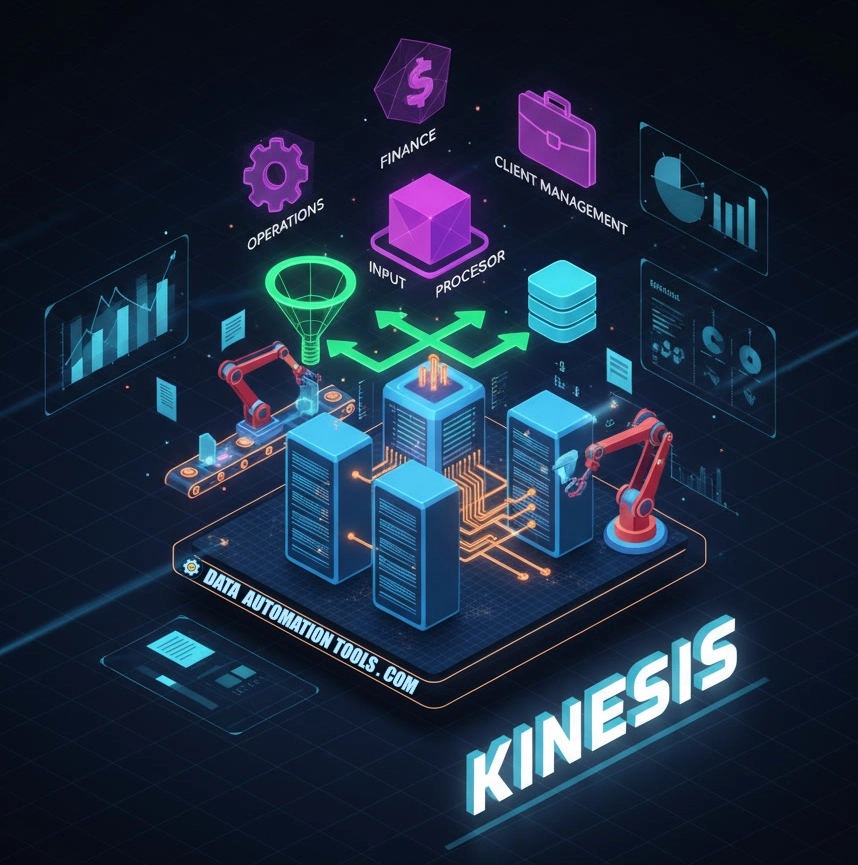
Amazon Kinesis is both the caffeinated bloodstream of AWS as well as the pack mule quietly powering data streams for thousands of companies both big and small. It does so incredibly efficiently, and with the kind of relentless dependability only AWS could overcharge for.
Kinesis ain’t joint tape or a fancy keyboard – it’s a real-time data stream processor. Below, we break down how Kinesis processes streams, what it’s good at, where it hurts, and why developers seem to both curse it and depend on it in equal measure.
What Is Kinesis?
At first glance, Kinesis looks straightforward: a way to get data from one place to another in real-time. But this is AWS, where every “simple” thing comes in four flavors and a separate billing structure.
You’ve got Kinesis Data Streams, the heavy-duty workhorse that ingests millions of tiny JSON events and politely distributes them to consumers. Then there’s Kinesis Firehose, the “I have better things to do” version — you point it at S3, Redshift, or OpenSearch, and it obediently delivers data without requiring you to care about shards or partitions. Kinesis Data Analytics is SQL for streaming — which sounds delightful until you find yourself debugging a tumbling window join at midnight. And finally, Kinesis Video Streams, because apparently even your baby monitor deserves a horizontally scalable ingestion service.
Together, these four make up a system that’s both brilliant and slightly sadistic. They’re AWS’s answer to real-time everything — a modular, infinitely scalable streaming platform that only reveals its complexity once you’ve already committed production traffic to it.
Why Developers Can’t Quit It
Kinesis has three major virtues: scale, integration, and reliability. It can handle millions of events per second without flinching. It plays nice with everything inside AWS — Lambda, Glue, Redshift, CloudWatch, EMR — and it almost never drops data unless you ask it to in writing. It’s multi-AZ, fault-tolerant, and deeply baked into the AWS ecosystem.
For anyone already living in AWS, Kinesis is like oxygen. You don’t notice it until you’re gasping for it. It’s the bloodstream connecting your apps, your logs, your analytics, and your dashboards — the part of the stack that keeps everything humming while your manager brags about “real-time insights” at all-hands meetings.
What It’s Like to Build With
Working with Kinesis feels like a zen exercise in patience. You start with enthusiasm — a neat little producer script, a consumer Lambda, and the smug belief that you’ve tamed streaming. Then come the shards. Then partition keys. Then write limits. Before long, you’re whispering to CloudWatch charts like they’re tarot cards.
When it behaves, Kinesis is beautiful: low-latency, dependable, endlessly scalable. When it doesn’t, you start Googling “Kinesis vs Kafka” and wondering if maybe you’ve made life choices that led you here.
The one part that consistently redeems AWS is Firehose. It’s Kinesis with manners. You tell it where to send your data, click a few buttons, and go grab a brewsky. Firehose compresses, encrypts, and delivers data without complaint. It’s the “set it and forget it” pipeline that makes Kinesis feel civilized.
Where Kinesis Fails
Let’s not sugarcoat it — Kinesis can hurt you (right where it hurts).
- Pricing is chaos. Between shard-hours, PUT payloads, retention hours, and API calls, it’s like AWS billing went to Vegas and came home with a hangover.
- Debugging is murky. Lag? Partition hot spots? Throttled writes? CloudWatch metrics tell half the story, and the rest you divine from logs and vibes.
- Retention is limited. Seven days by default — not bad for streaming, but don’t think about replaying last month’s events unless you’ve been dutifully dumping to S3.
- Partition key roulette. Design it wrong, and you’ll have one overworked shard doing all the labor while the others sip margaritas in idle bliss.
Kinesis rewards thoughtful architecture and punishes improvisation. It’s not a “hack it together” tool — it’s a “measure twice, shard once” kind of system.
Where Kinesis Shines
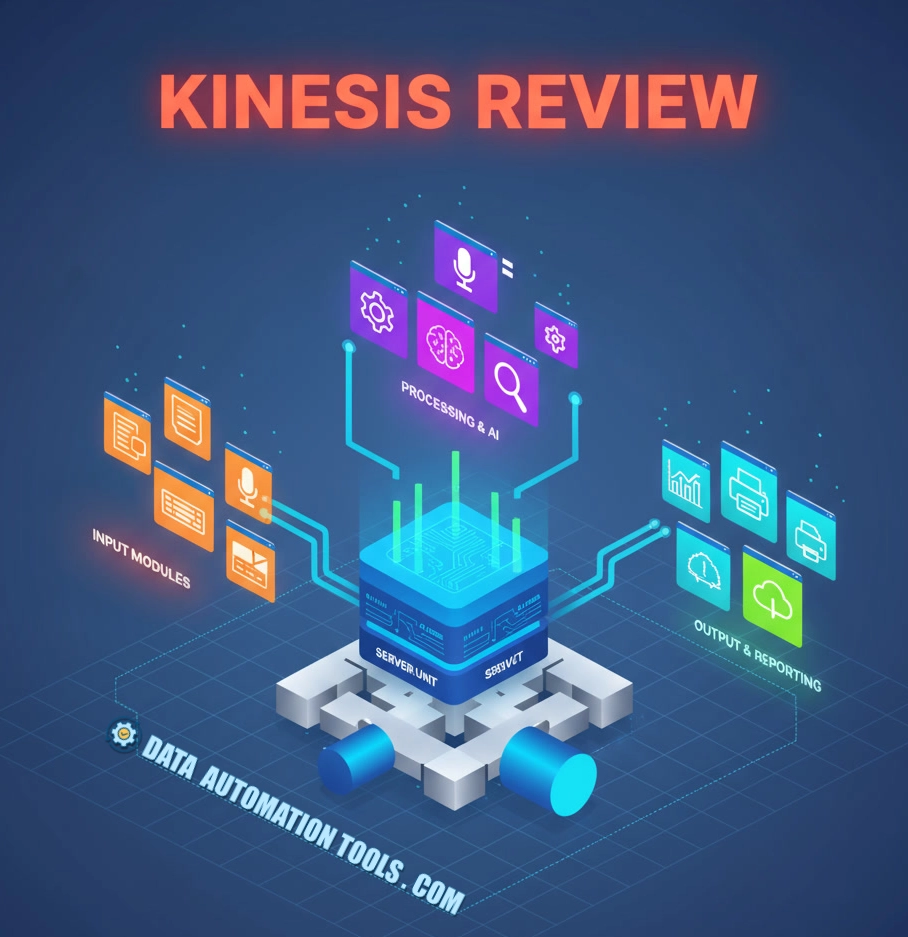
Kinesis shines anywhere data never stops moving. Think clickstream analytics, log aggregation, IoT telemetry, security monitoring, or machine learning feature streaming. It’s built for systems that thrive on immediacy — where a few seconds’ delay actually matters.
Picture an e-commerce giant piping user activity through Kinesis into Redshift for live personalization. Or a fleet of IoT sensors streaming data to detect anomalies before they cause failures. That’s Kinesis territory: high-volume, high-speed, always-on data flow.
Kinesis Pricing
Kinesis pricing is the kind of math that makes even seasoned AWS engineers pour another coffee and open a spreadsheet. You don’t pay for a neat, single “streaming service” fee — you pay for every moving part of the system: shard hours, PUT payload units, retention time, and any enhanced fan-out consumers you’re running. Each shard supports a fixed input and output rate, so your bill scales linearly with your traffic — and exponentially with your ambition. Firehose simplifies things a little (flat rate per gigabyte ingested, plus any transformation or compression costs), but it still adds up fast once you start pushing terabytes through it. Add extended retention or on-demand scaling, and you’ll watch your monthly invoice climb like a runaway metric. In short: Kinesis pricing isn’t evil — it’s just ruthlessly precise. The key is to batch aggressively, monitor shard utilization, and never, ever assume “it’s probably fine.”
Professor Packetsniffer Sez:
Kinesis isn’t cool. It’s not trendy. No one ever said, “Let’s rewrite this in Kinesis!” But it’s the unsung infrastructure that quietly powers half the real-time data systems you depend on. It’s a workhorse, a janitor, a caffeine-addled veteran holding the AWS world together with duct tape and replication.
It’s not perfect — but it’s dependable, scalable, and weirdly comforting once you accept its quirks. Not glamorous. Not forgiving. But utterly indispensable — and somehow, despite everything, still the stream you trust when everything else starts to drown.
Kinesis FAQs
This is the number-one confusion point. Data Streams is the hands-on, developer-friendly service where you manage shards, control throughput, and build custom consumers. Firehose is the lazy genius version — fully managed, auto-scaling, and designed to deliver data directly to S3, Redshift, or OpenSearch without you writing a single consumer. Streams = control and flexibility. Firehose = convenience and peace of mind.
This debate never dies. Kinesis is managed Kafka-as-a-service with training wheels. You don’t run brokers, you don’t babysit clusters, and you get tight AWS integration — at the cost of less configurability and more vendor lock-in. Kafka gives you infinite replay and fine-grained tuning; Kinesis gives you a simple (ish) API, guaranteed uptime, and an AWS invoice that sometimes makes you nostalgic for complexity. For a detailed look at how Kafka and Kinesis differ, see our comparison of the the two here.
Scaling Kinesis means increasing the number of shards — each shard represents a slice of throughput (1MB/sec in, 2MB/sec out). You can split shards when you need more capacity or merge them to cut costs. There’s also on-demand mode, which auto-scales based on traffic (great until Finance notices). Tools like Kinesis Auto Scaling and CloudWatch alarms can help you adjust capacity dynamically.
By default, 24 hours — extendable up to 7 days for standard retention and 365 days with extended retention (at an extra cost, naturally). Firehose doesn’t store data at all; it delivers it straight to your target storage. The rule of thumb: Kinesis isn’t long-term storage. For that, stream to S3 and thank yourself later when you need historical replay.
Pricing in Kinesis is famously labyrinthine. You pay for shard-hours, PUT payload units, extended retention, and data retrievals — plus Firehose data delivery, transformation, and compression. It scales beautifully, but your bill scales faster. The trick is to batch records, minimize API calls, and monitor shard utilization. Kinesis isn’t expensive if you plan ahead — it’s just expensive when you don’t.