

Automated Translation Integration always sounds like a tidy engineering chore, the kind of thing you diagram once and forget about. You imagine a serene little pipeline: take text, send it to a translation API, get text back, drop it into your product. The kind of system you’d assign to a junior dev as a “learning project.” A safe one. A nice one.
Then you build it — really build it — and suddenly you’re ankle-deep in version drift, race conditions, broken placeholders, and rogue payloads that return in languages you didn’t ask for, wearing punctuation you’ve never seen before. You begin to understand why localization engineers speak in the same haunted tone as database administrators and people who maintain legacy Jenkins servers.
Automated translation isn’t just another process. It’s a gravity well. Once you wire it into your product, everything bends around it.
In the Beginning Was the Word
At first, you treat translation like a request-response exchange. Send English, get Spanish. Send a paragraph, get a paragraph. It’s refreshingly linear — the kind of engineering task that stays out of your way.
But text doesn’t stay still. Marketing tweaks one sentence. Product renames a button. Legal rewrites an entire onboarding flow because someone discovered a compliance nuance in the EU.
Automated Translation Integration is the The Chaos of Going Multilingual
Suddenly your pipeline isn’t dealing with text anymore; it’s dealing with the changing identity of text. Versions of text. Intent behind text. Context surrounding text. And all those translations you proudly cached last week? They’re stale now, but only sometimes, and only depending on which part changed. One word altered in English invalidates fifteen languages, unless it doesn’t, depending on how clever your diff logic is.
This is when you start keeping notes. Not documentation — notes. A list of rules that aren’t written anywhere but explain why your system behaves the way it does. Notes like:
- “Do not trust payloads returned after 19:00 UTC.”
- “Glossary overrides break if you send emojis.”
- “Japanese translators will always fix spacing; don’t fight it.”
You didn’t plan on becoming a linguist. But here we are.
The API Always Behaves — Until It Doesn’t
Every translation API you test in a sandbox feels like a dream: low latency, beautiful clarity, consistent structure. Then you move it into production and discover how fast the cracks appear.
Sometimes the vendor throttles you silently. Sometimes the payload returns a valid JSON wrapper but empty content. Sometimes the model changes overnight, and 4,000 of your previously “approved” translations subtly shift tone, breaking your UI layout in places you haven’t thought about for months. Sometimes the engine decides {username} is optional and helpfully translates it into Korean.
And the worst part? Everything looks correct syntactically. No errors. No warnings. Just… wrong.
Translation APIs lie by omission. Everything seems fine until customers start sending screenshots.
Caching is Your Frenemy
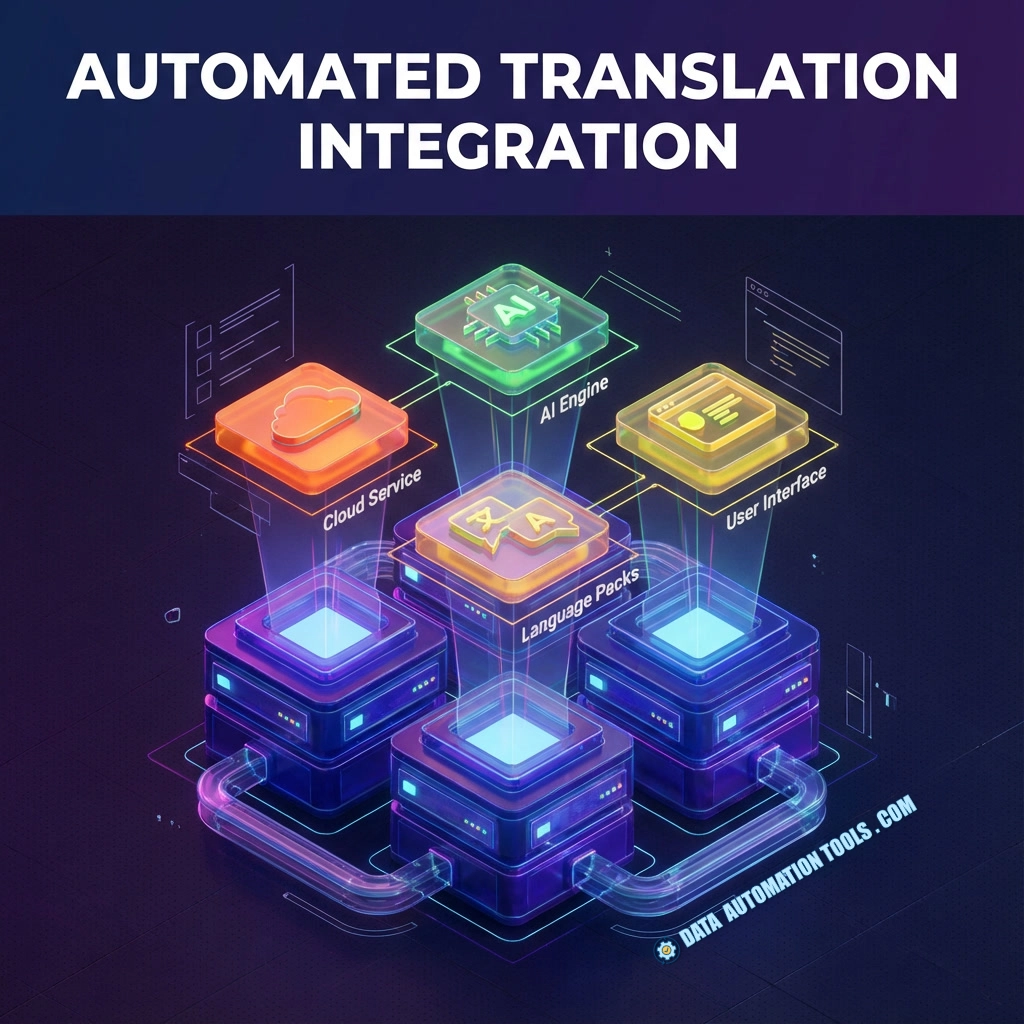
Because translation costs money and you’re not in the business of sponsoring your vendor’s yacht fund, you add caching. Hash the raw text, attach metadata, store translations, reuse them. Simple. Elegant. Practical.
And then:
- A single punctuation mark changes and your cache hit rate drops off a cliff.
- The marketing team insists on title-case in only three locales, nuking the entire version map.
- A translator fixes one small error and now you need to fingerprint human edits so they don’t get overwritten by the next automated run.
- Someone accidentally caches the Portuguese text under the Slovak key and no one notices for a week.
Caching helps — but it forces you to admit the truth: not all translations are equal. Some are machine-generated, some are human-approved, some are inherited from legacy systems, and all of them must coexist without declaring war on each other.
Humans Will Touch It — They Always Do
Automated translation promises a world where developers never think about languages again. But every localization pipeline eventually meets its oldest enemy: humanity.
Marketing prefers warmth. Legal prefers literal accuracy. Customer support prefers consistency. Engineers prefer whatever prevents their flight app from crashing.
As soon as humans get involved, your pristine automated system becomes a negotiation table. Edits come in. Overrides pile up. Some languages need in-context notes. Some require full sentences, not fragments. Some choke on placeholders unless you wrap them in special markup that breaks other engines.
So you build layers to protect human edits. Layers to enforce glossaries. Layers to prevent your pipeline from “helpfully” re-translating something that someone already fixed.
In short: you build bureaucracy into software. And weirdly, it works.
Automated Translation Integration Is Never One Pipeline
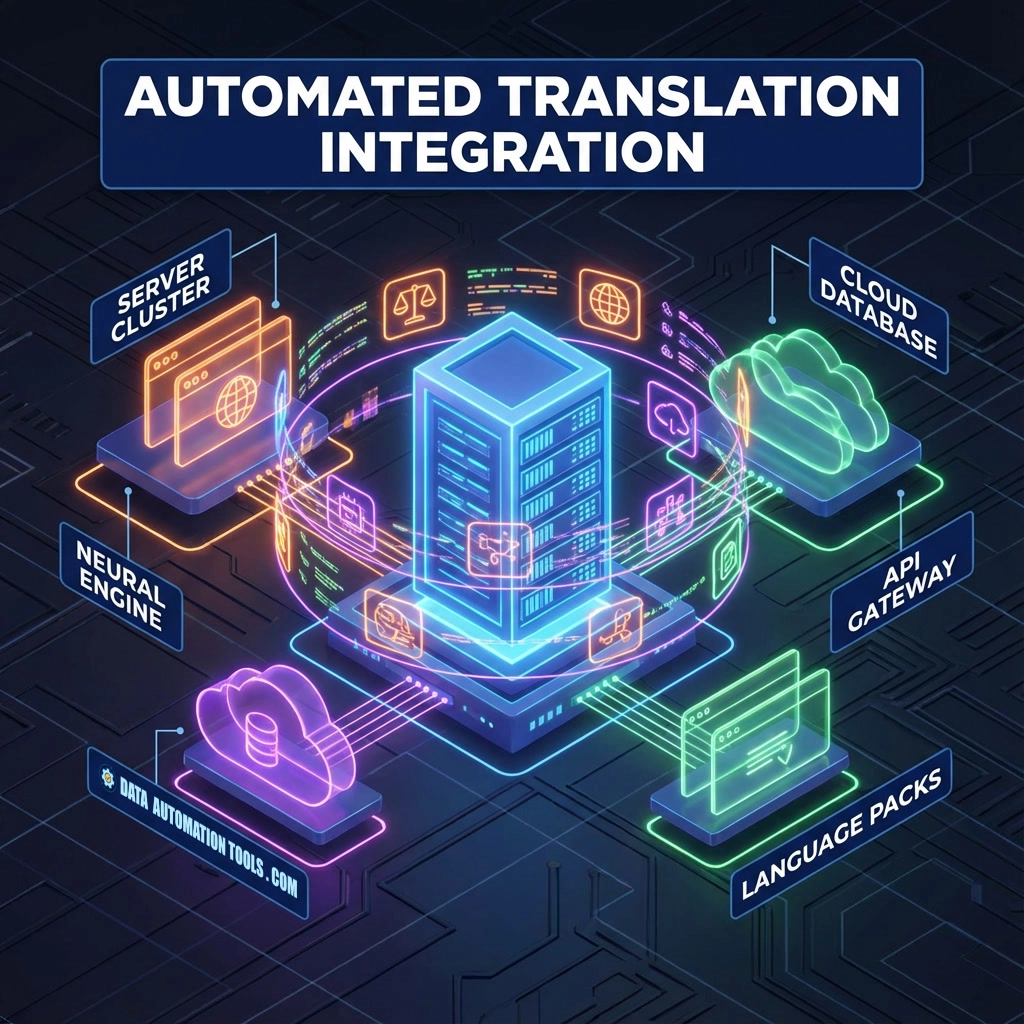
…It’s All of Them. By the time your translation integration matures, you’ve built far more than you expected:
- A system to extract source strings from code, templates, CMS entries, and runtime content.
- A job manager that batches requests, retries failures, and tracks delivery states no one asked for but everyone relies on.
- A reviewer flow for humans to approve, reject, or override translations.
- A content delivery mechanism to get finished translations into apps, sites, mobile bundles, or APIs.
- A monitoring system that tells you when a vendor is failing before Reddit tells your users.
Your diagram now looks like the Tokyo Subway map. And yet you know simplifying it will only guarantee some subtle disaster.
Edge Cases — The Real Curriculum
Once your integration hits real scale, the real issues surface:
- Right-to-left rendering bugs that behave differently depending on browser.
- Pluralization rules in Slavic languages that make you rethink existence.
- Placeholder rearrangements that break your formatting or — even better — break your builds.
- Emojis that change meaning across languages (ask me about the “person bowing” incident).
- Strings so long in German they become UI design problems, not translation problems.
This is the moment you realize automated translation integration isn’t a feature — it’s a lifestyle.
And Yet… It’s Worth It (Even the Humanity)
Because when everything finally works — when your app quietly blooms into a dozen languages, when content flows cleanly through your pipeline, when translations appear as if conjured by machinery operating just beyond perception — it feels like magic.
Not because it was easy. But because it was hard in exactly the ways that matter. A well-built automated translation system disappears into the background. A poorly built one becomes your full-time job. Most teams eventually build both.
The Most Commonest And Frequentliest Asked Qs about Automated Translation Integration
This is the question because nothing destroys a translation system faster than string drift.
Teams want to know:
What happens when the English copy changes after translations are complete?
How do we detect which translations need regeneration vs. which can stay?
Should we diff text, hash text, or rely on keys?
Versioning is the backbone of a sane integration — and usually the part everyone regrets not designing early enough.
Every automated translation pipeline eventually has human input: marketing tweaks, legal corrections, tone adjustments, UX rewriting, etc.
The big concern:
How do we stop the machine translation engine from replacing human-translated text when someone re-runs the pipeline?
Teams want guardrails like “lock this translation,” “freeze this locale,” or “use human before machine” rules.
Nothing says “we rushed integration” like ten versions of the same phrase scattered across your UI.
This question is usually about:
Glossaries
Phrase libraries
Term enforcement
Sharing context across engines/apps
Consistency is harder than accuracy, and it’s what determines whether your multilingual experience feels polished or hacked together.
Most translation engines don’t understand:
grammatical gender,
domain-specific vocabulary,
pluralization logic,
multi-sentence context,
UI-specific constraints.
Teams want to know:
Should we send full paragraphs instead of isolated strings?
Should we annotate text with metadata?
Should we use a custom model or glossary?
This question always comes up after the first time the system mistranslates “Bank” or “Charge” in catastrophic ways.
A translation bill can balloon faster than anyone expects.
So teams ask:
How do we cache translations effectively?
How do we prevent duplicate submissions?
Should we store translations in our database, a CDN, a translation memory system, or somewhere else?
How do we handle versioned caching when source strings only change by punctuation?
This question isn’t philosophical — it’s survival.
Developers want machine translation to feel automatic — but controlled.
They ask:
Should translation run during build, deployment, staging, nightly batches, or on an event bus?
How do we catch translation failures before release?
Should translations block deployment or be optional?
How do we test and diff translations in code reviews?
Translation integration touches every environment, and teams quickly learn it needs to be treated like infrastructure, not a “feature.”